Home > UI/UX Design > Employee Time Manager
EMPLOYEE TIME MANAGER
My role
Task flow chart, persona development, UX design, IA, interaction design, user testing, UI design.
Project overview
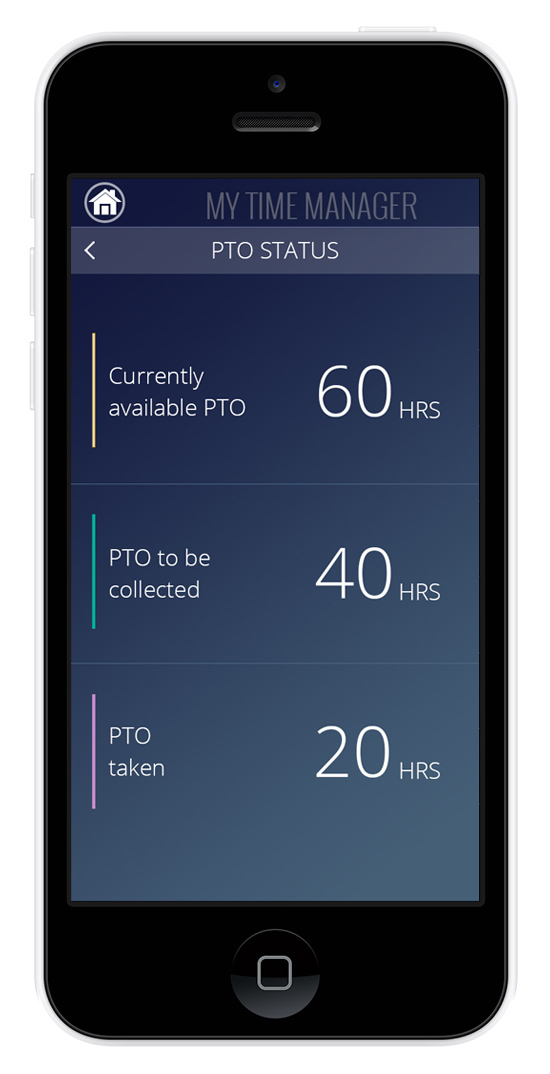
The objective was to redesign an existing time collecting software that allows users to manage their hours spent on project(s) and monitor their PTO status. The approach was to create a mobile application that will allow users to quickly perform routine tasks- to add new projects, edit, sign weekly time sheet and view at a glance their PTO status. Also, nonetheless, to add a reminder to record hours at the end of the work day.
I performed my own user testing with another colleague who also uses the same software. After testing it based on the wireframes, I was able to detect the weak areas and make improvements.
My approach was- provide a simple and easy to use solution that everyone can use on the go. People have hectic schedules…
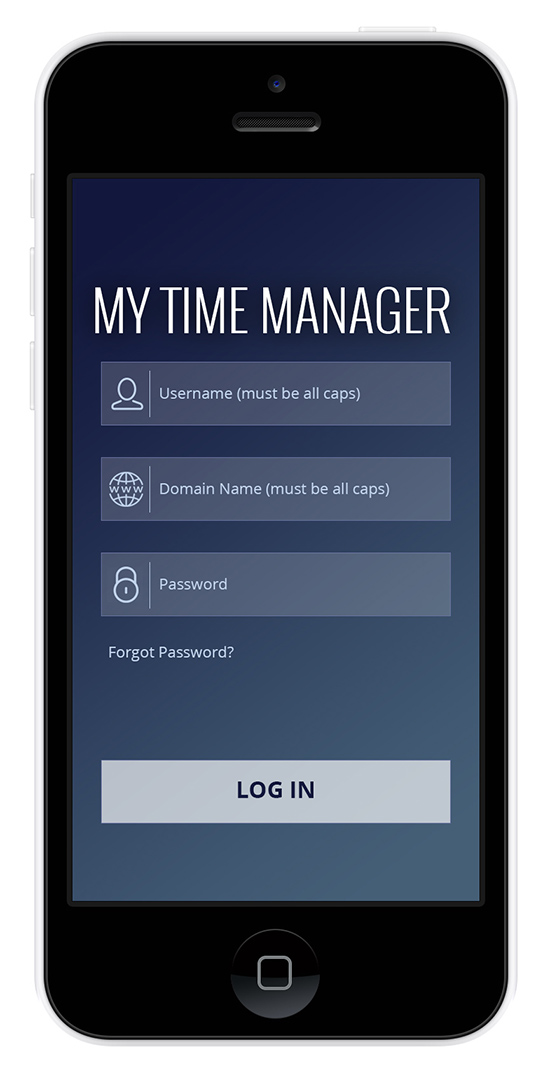
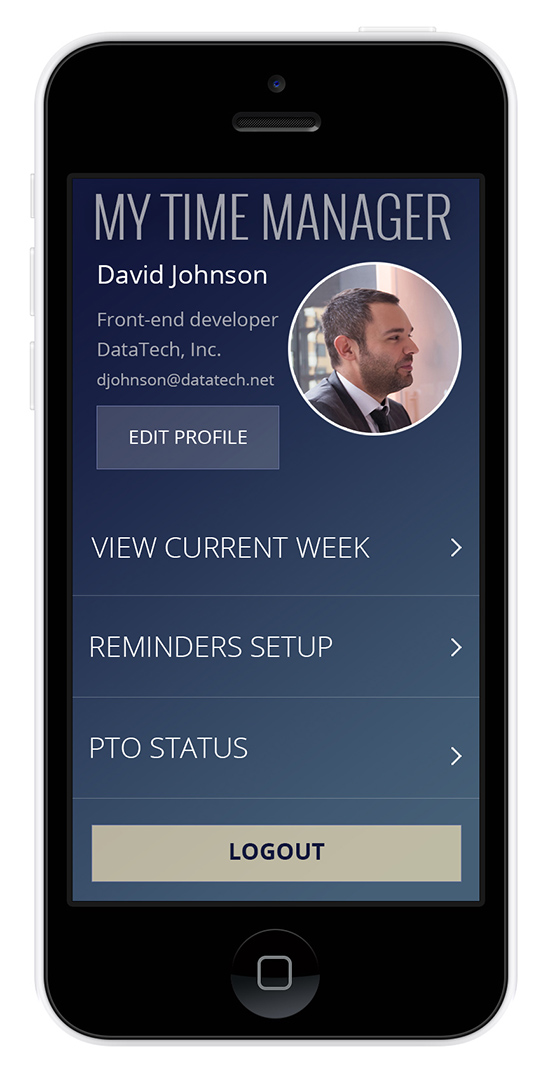
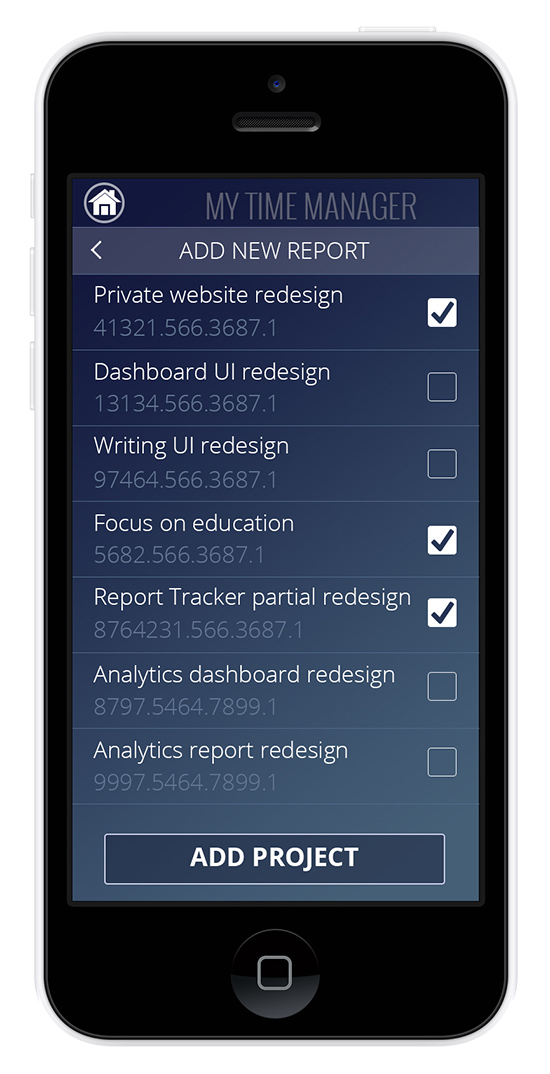
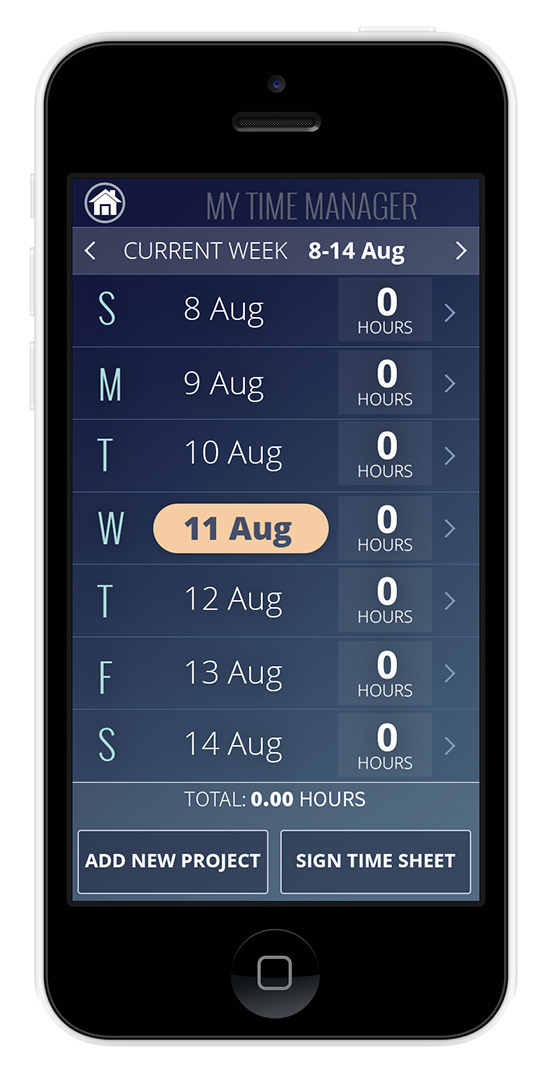
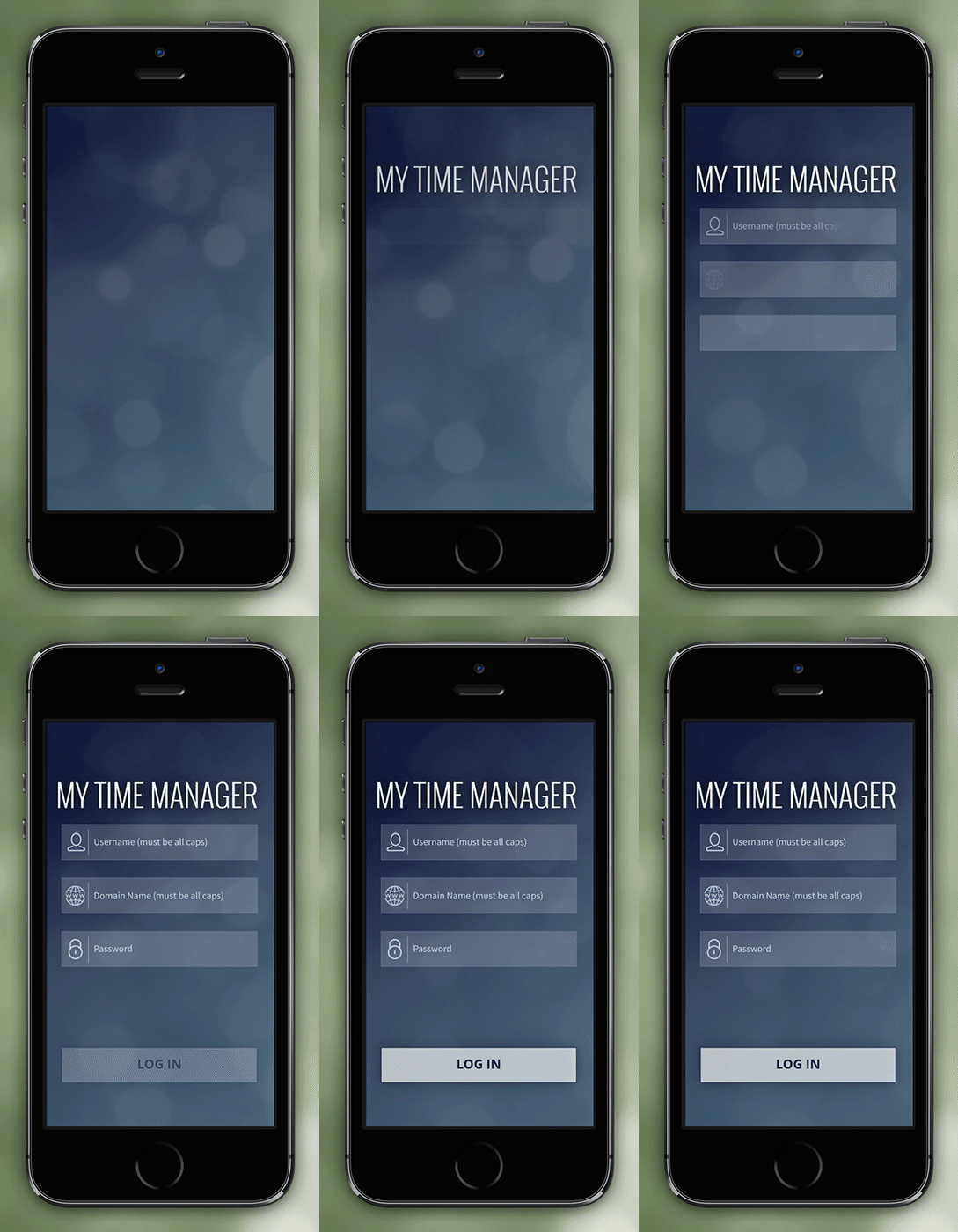
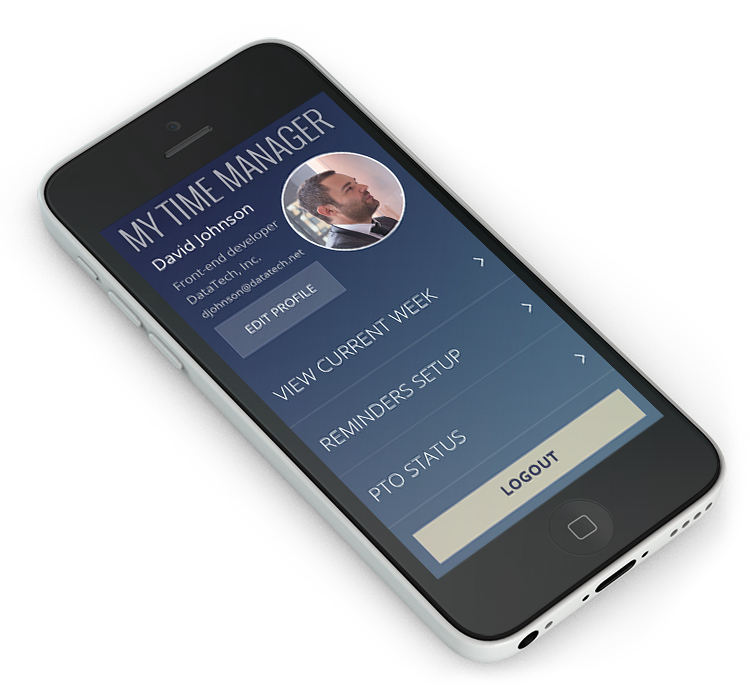
Final application design:
Task Flow Diagram
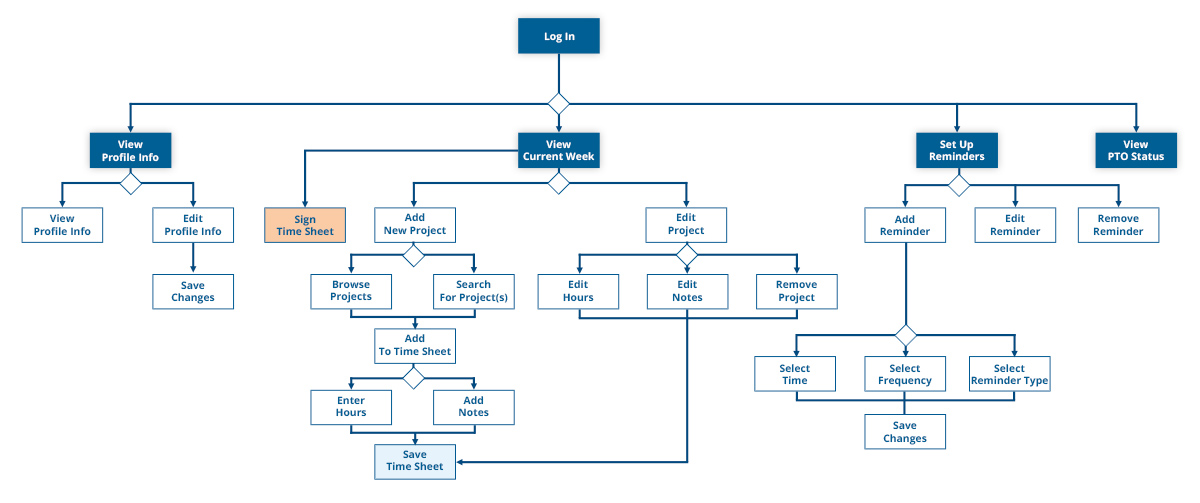
I created this task flow diagram in order to visualize the sequence of interactions.
User personas
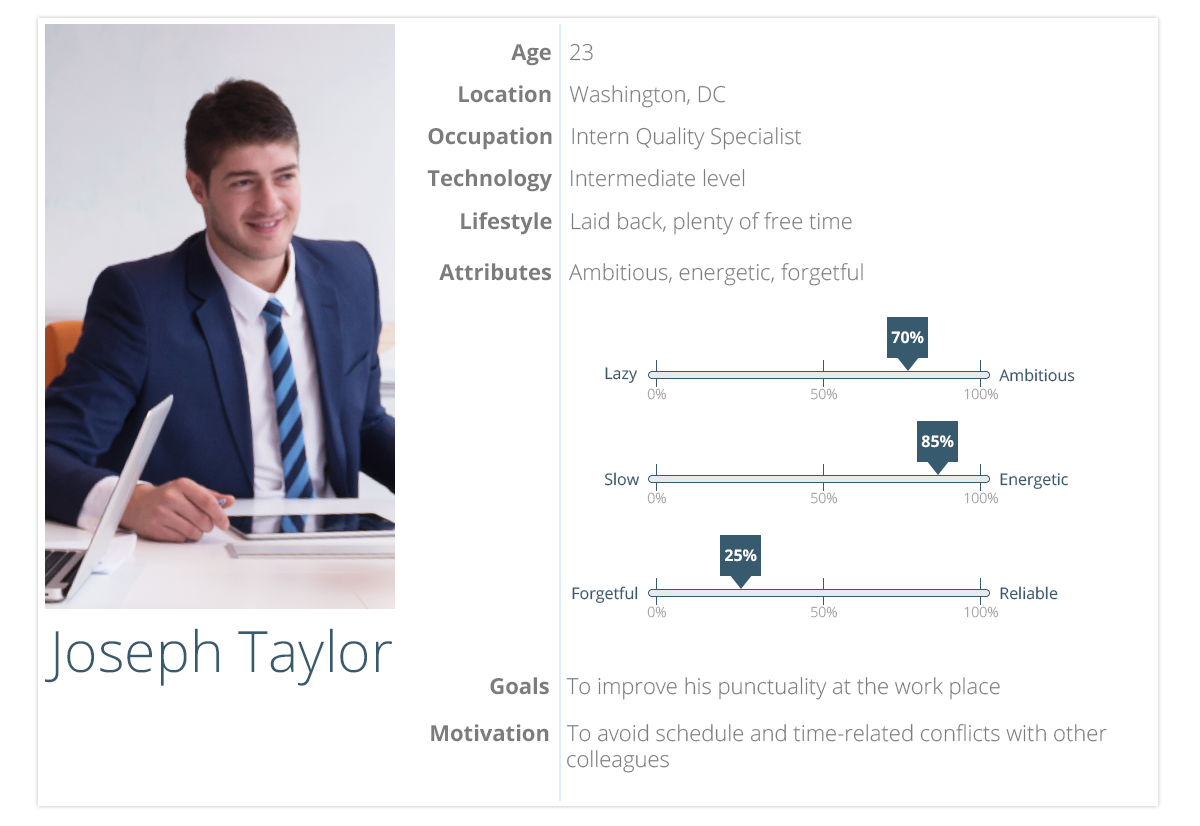
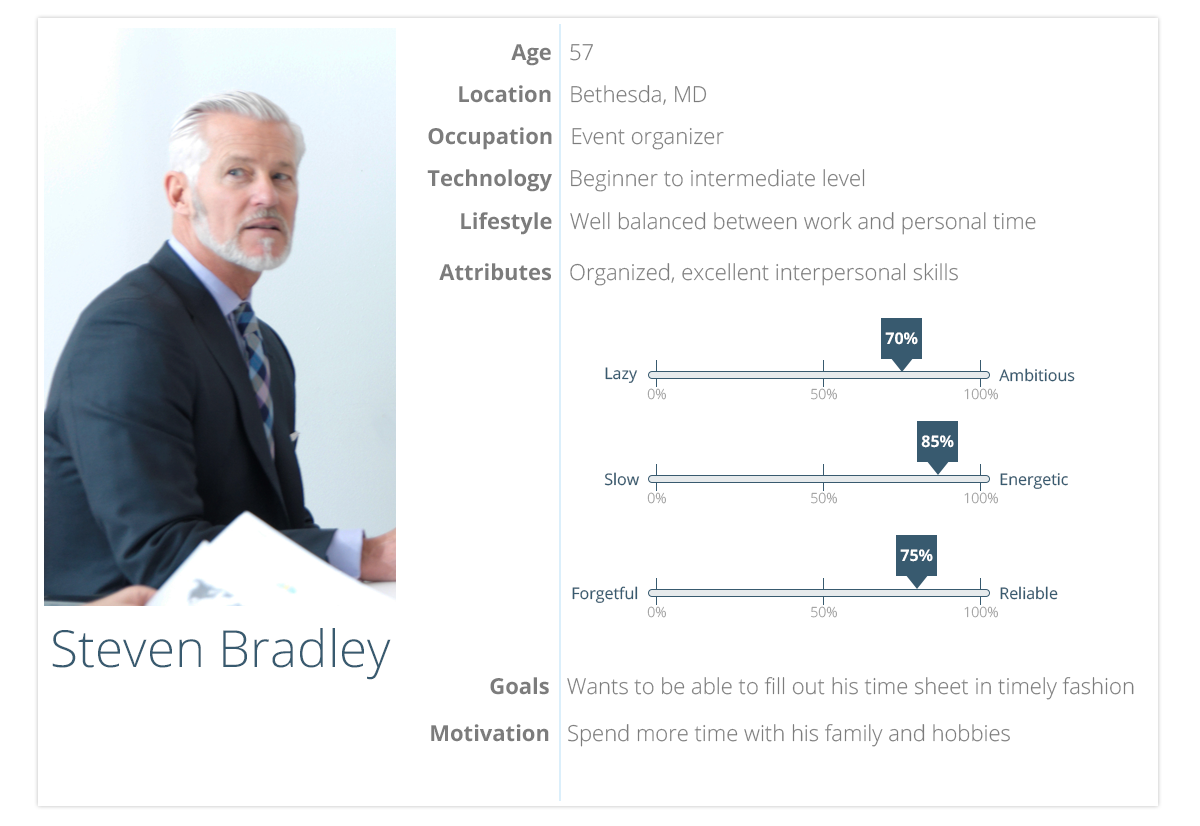
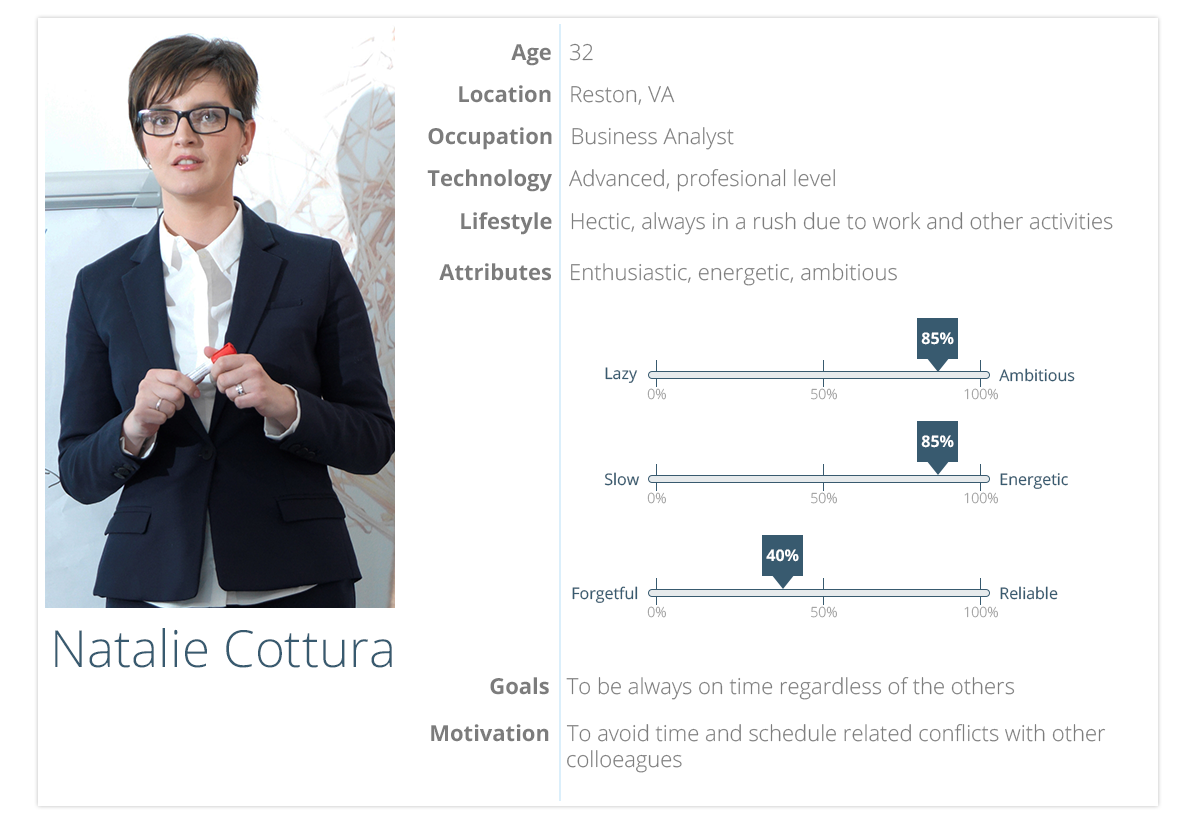
I created three distinct user personas based on the general usage of the application throughout the organization. Beginners, intermediate and advanced level users shape up the overall user groups audience with different goals and motivators in mind.
Personas description:
Steven, organized a corporate event, which Natalie and Joseph are two of the attendees. Natalie is one of the speakers who shares her many years of experience with her company. Joseph is one of the chosen recently hired interns who is selected to describe his impression about working at the organization after his recent university graduation. After the even is over, Natalie and Joseph are caught up in the conference room speaking about an earlier work-related issue. Meanwhile, Steven is waiting for Natalie and Joseph to conclude their discussion so he can put the equipment away, lock the door and sign his time sheet for the work day. Steven is hoping to leave as soon as possible so he can spend time with his family at home. Natalie is getting anxious because she has another even to attend right after this one and she is running late already.
Conceptual Ideas and Sketches
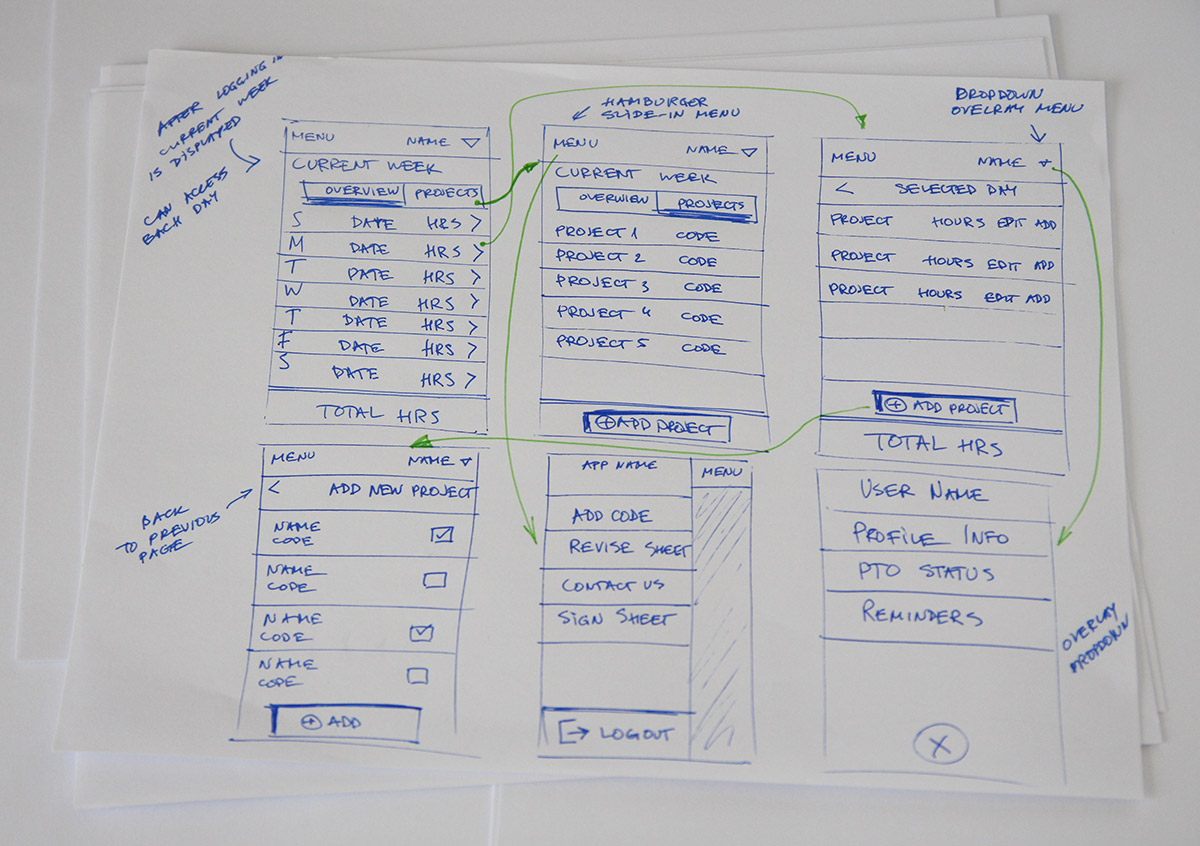
I explored a lot of ideas in the form of sketches and paper prototypes, but eventually decided to go with the option pictured below. These sketches were the foundation of the overall idea for the IA and interactions.
Wireframes
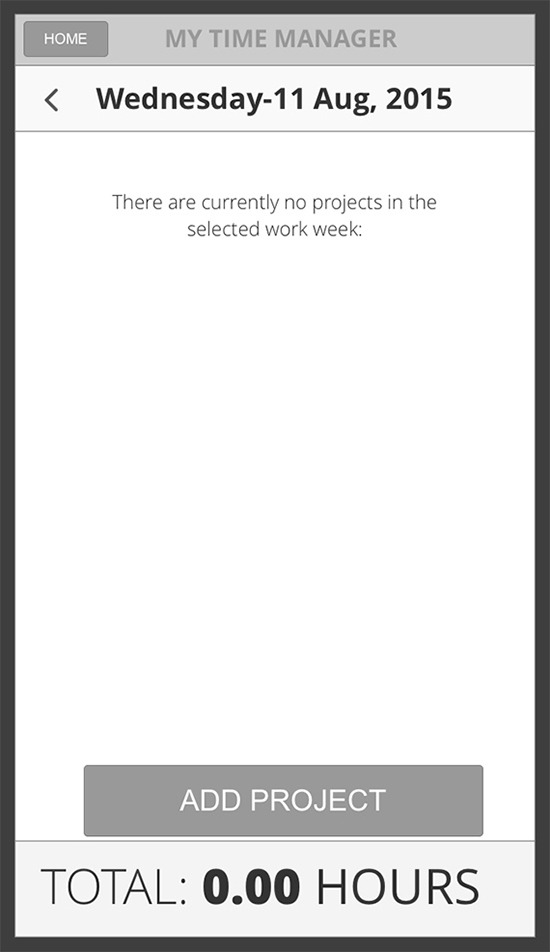
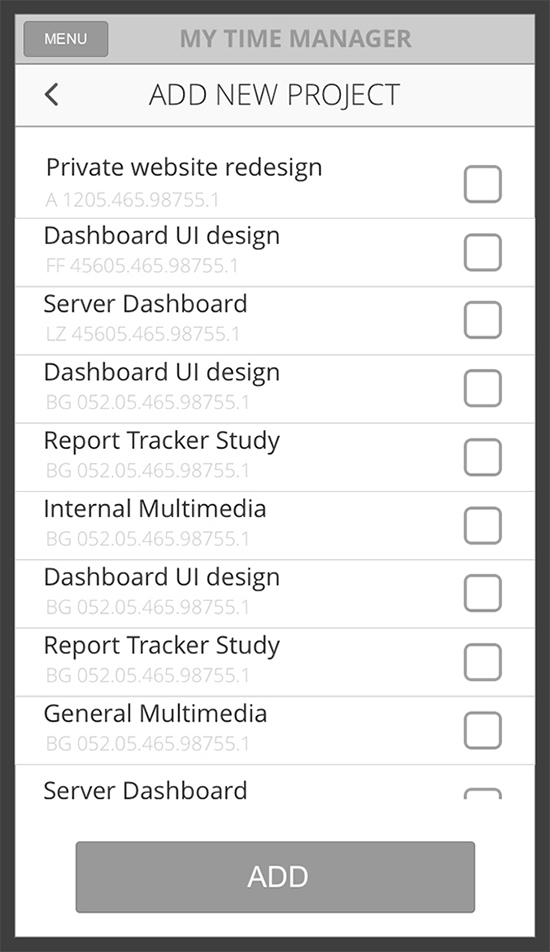
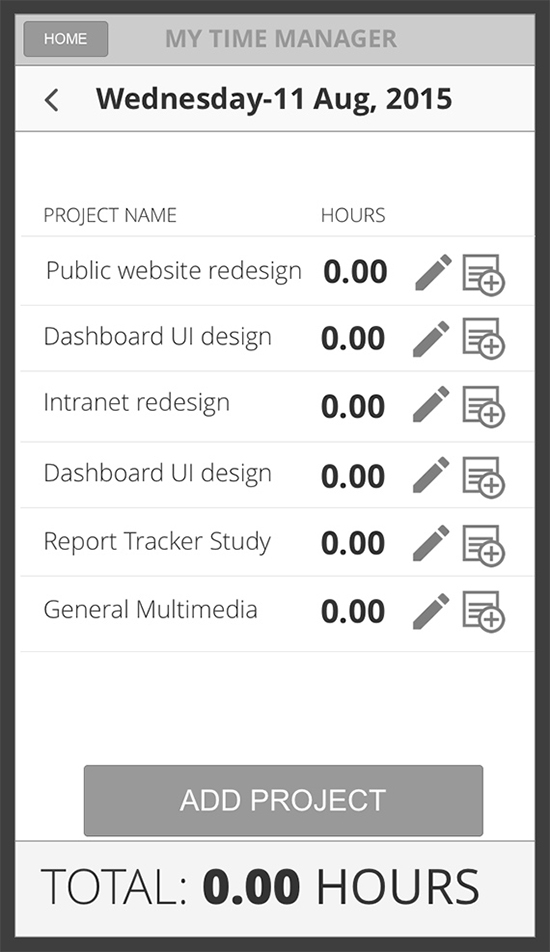
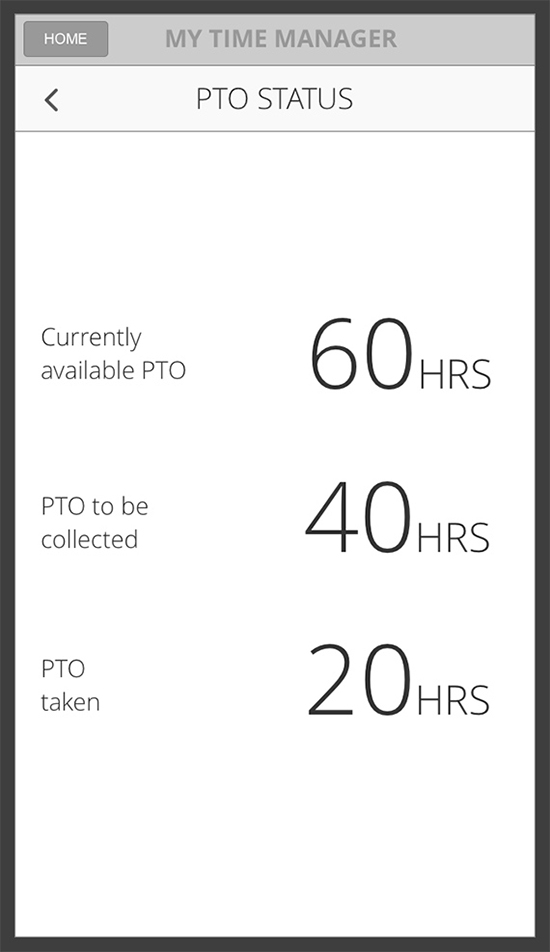
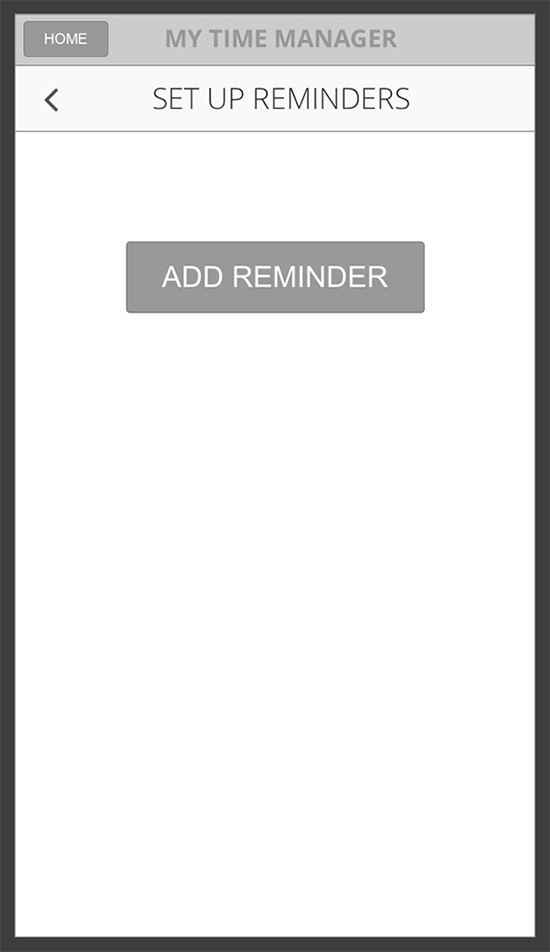
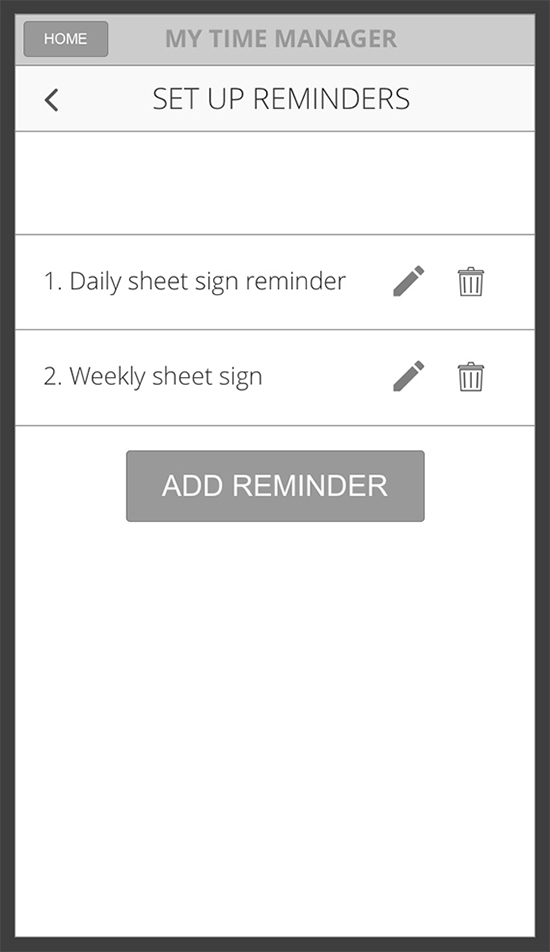
Using Axure RP I created these static wireframes which were also used on my user testing that I performed within our organization.
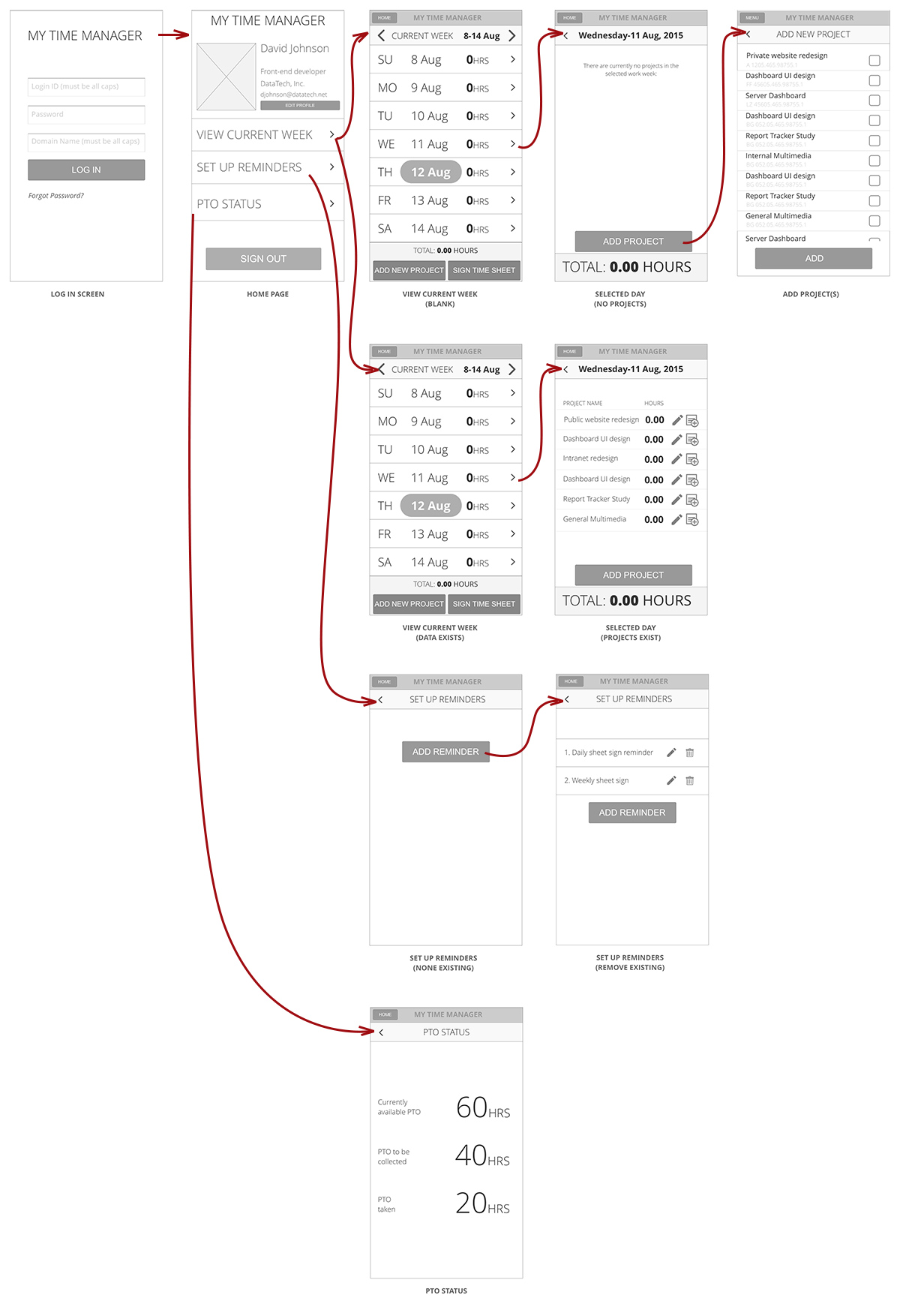
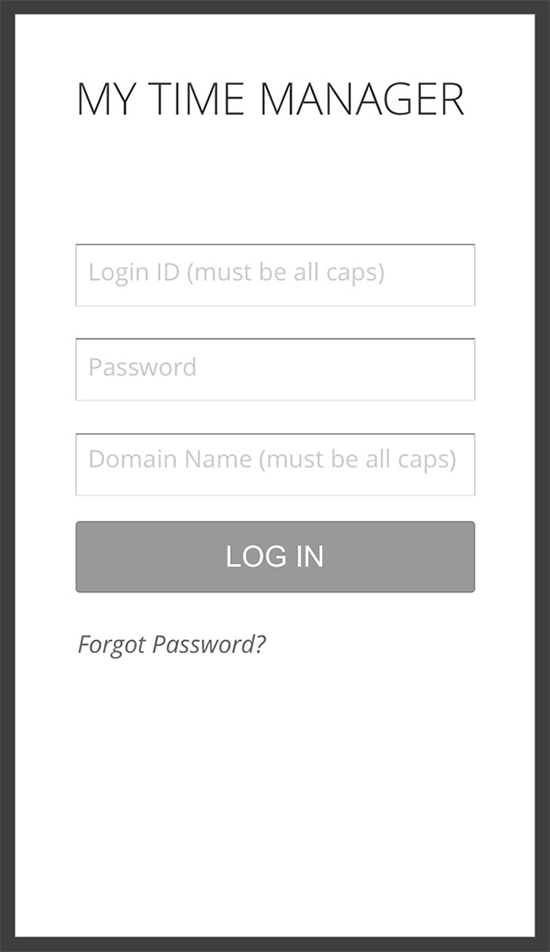
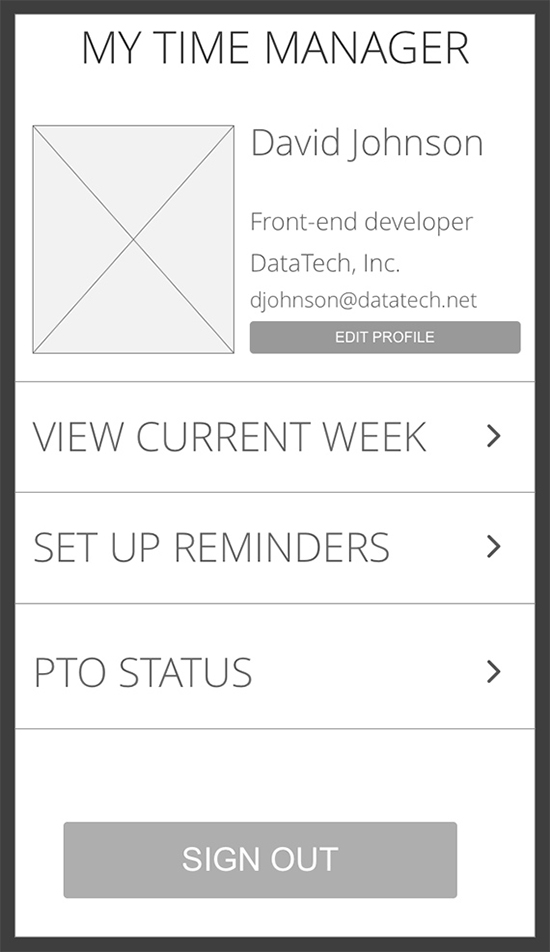
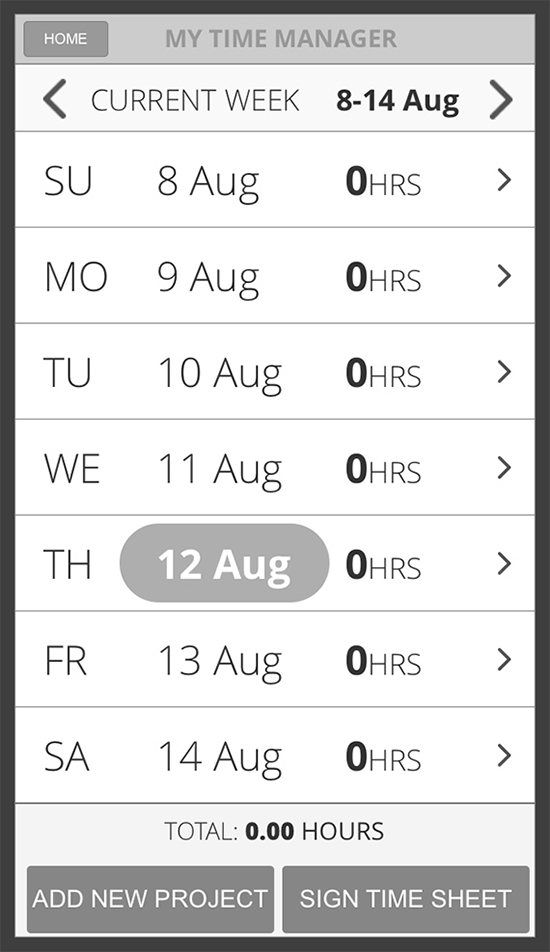
Design Mockups
I used Photoshop to create these high fidelity pixel-perfect design mockups. My choise was iPhone 5C for a screen size since it has a pretty small (for today’s demands) screen. The idea was, if it works on the small screen, it will work on the large as well.